- Download MuiltMc here

2. Open the zipped folder
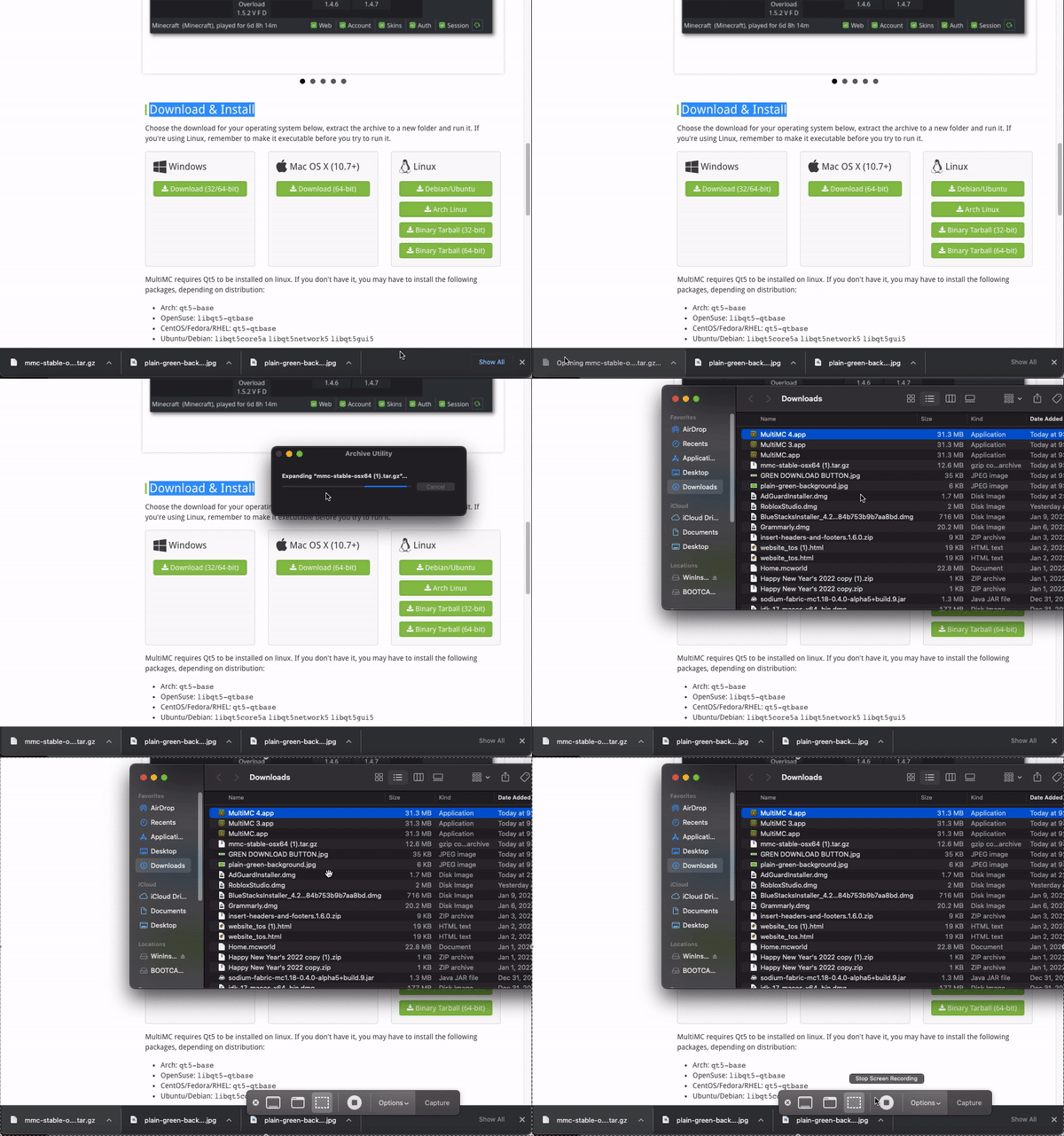
3. When prompted, change extraction location to your desktop (This will create another folder labeled MultiMC)
4. Open the MultiMC folder and launch the MultiMC application.
5. Select the desired language then click Next.
6. Select the desired Java instance and memory allocation. (We recommend allocating at least 4096MB (4GB) of RAM or more)
How to install modpacks on the MultiMC Launcher:
1. Open the MultiMC launcher.
2. Download your modpack of choice
3. On the MultiMC launcher, click Add Instance.
4. Select Import from zip then Browse.
5, Click the zipped modpack folder then Open.
6. Click Ok to begin the installation process.
7. Click the modpack instance to launch.
Leave a Reply